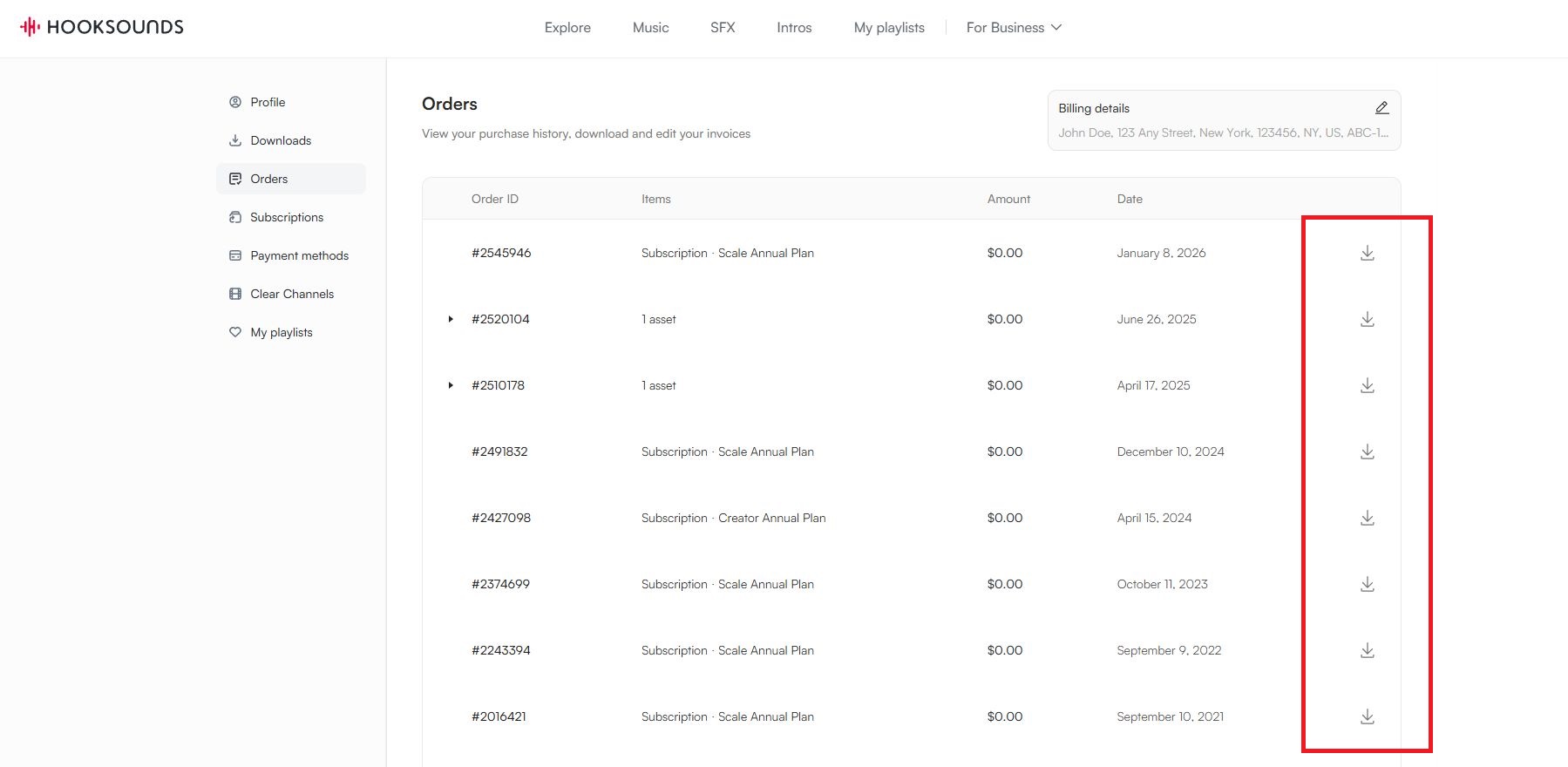
You have access to your invoices via your payment history in your profile.
If you don’t have an account yet, you can create one to see your purchase history by signing up with the email you used to make the purchase.
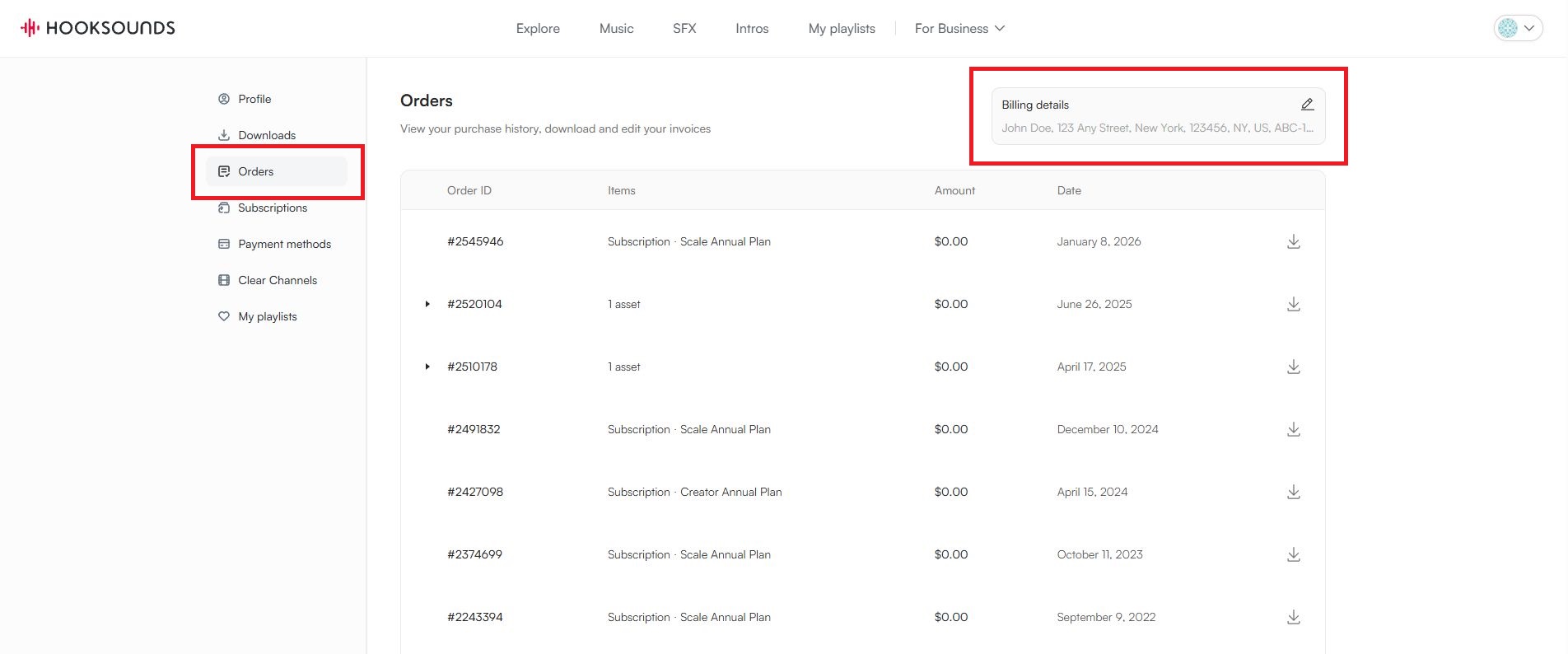
If you already have an account, you can find your invoices by clicking in your Profile. There you select the tab "Orders".
If you want your invoice to show specific information like your name, tax numbers, address, etc..., make sure to set these details by clicking on the edit field in the top right corner. These are the details which show up on the invoices you download:
Then, to download the invoice, simply click on the download icon: