Please note, that this feature is exclusive to users of the "Enterprise Plan" and "Business Plan".
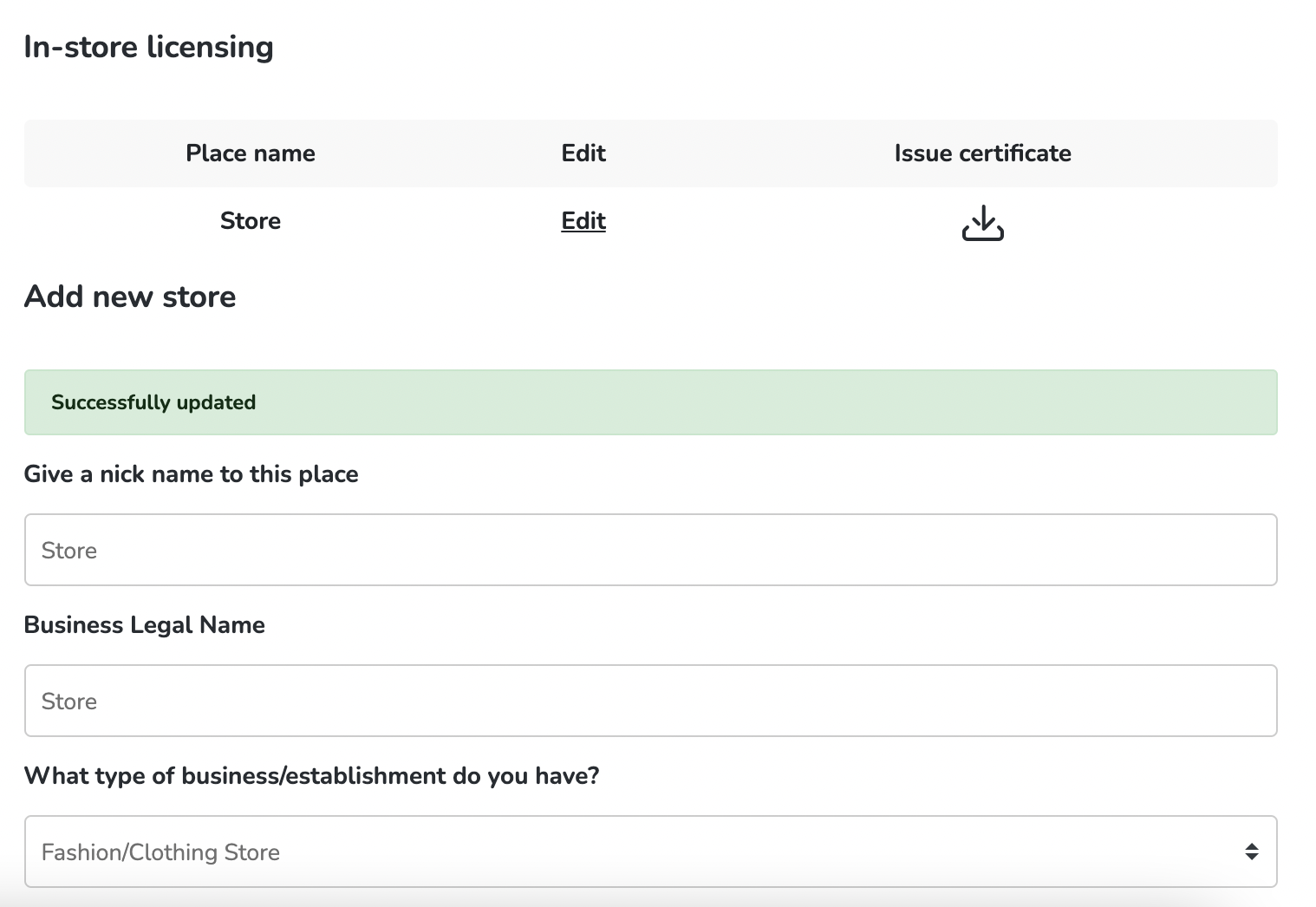
To change the location on your In-store certificate, go to your user dashboard by clicking on your name (top right of the page). Then go to In-store licensing (last option on the column to the left), choose the certificate you want to edit and then click on "Edit".
If everything is right, click "Save". You will see a green message saying "Successfully updated".
Download your new certificate by clicking on the icon under "Issue certificate".
If you have more questions, please contact us at support@hooksounds.com or via the support chat on the website.