Affiliate payouts are currently only available via PayPal.
To receive your affiliate commissions, you must have a valid PayPal email address linked to your HookSounds account. We can only process payouts if you have provided this information.
To add or update your PayPal email address, log in to your HookSounds account and navigate to the "Refer & Earn" tab in your profile.
At the top of the page, you'll find a section where you can manage your PayPal email address for payouts. Simply click the small pencil icon to edit it.
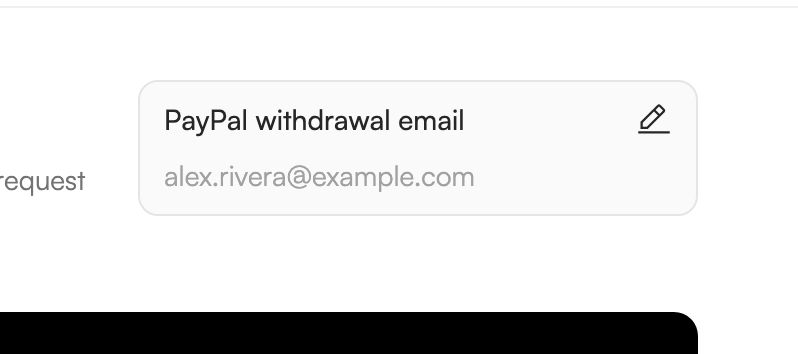
Enter the correct email address associated with your PayPal account, then click "Save email address" to confirm your changes.
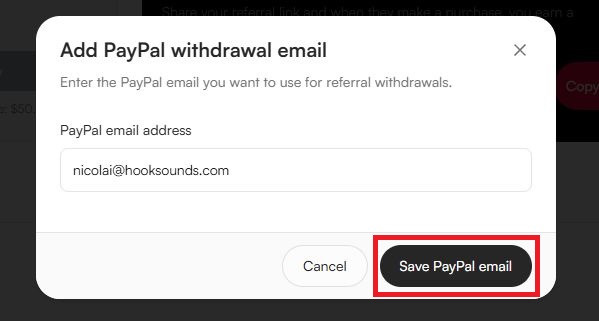
That's it! The next time you request a withdrawal of your affiliate earnings, we'll use the PayPal email address you've saved here to process your payout.