Yes! You can have your invoice written on behalf of your company. This can be done from your own profile once you've purchased your subscription or license. Here is how you can change the billing details:
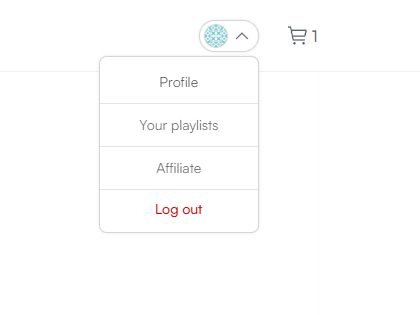
- Go to your profile by clicking on your profile picture in the top right corner and select "Profile".
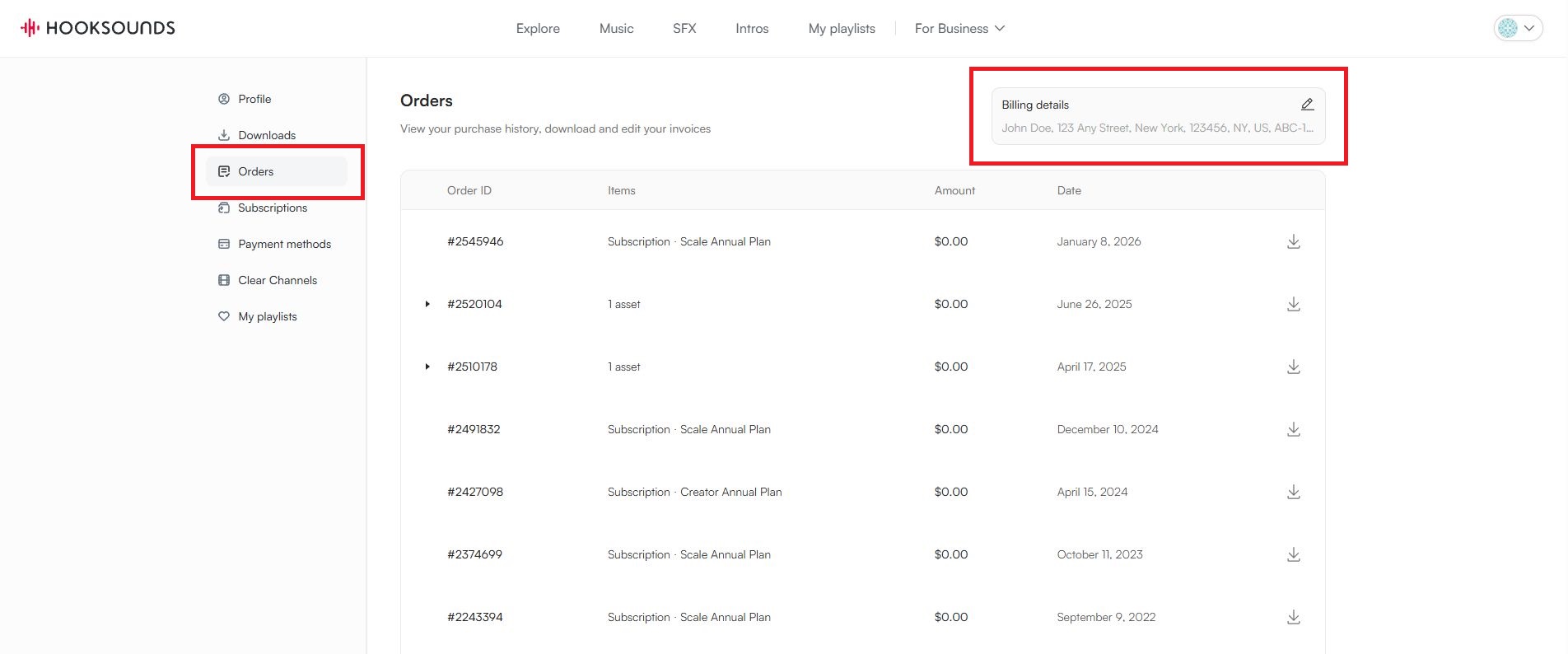
- Set the Invoice details. Go to the "Orders" tab in the left side menu. This will show an overview of all your orders made on your account.
In the top right corner you will see an edit field to change / update the information appearing on your invoices. Clicking this field will open up a pop-up screen where you can set the details. Don't forget to click on "Save". This will save the entries you have made and close this pop-up window.
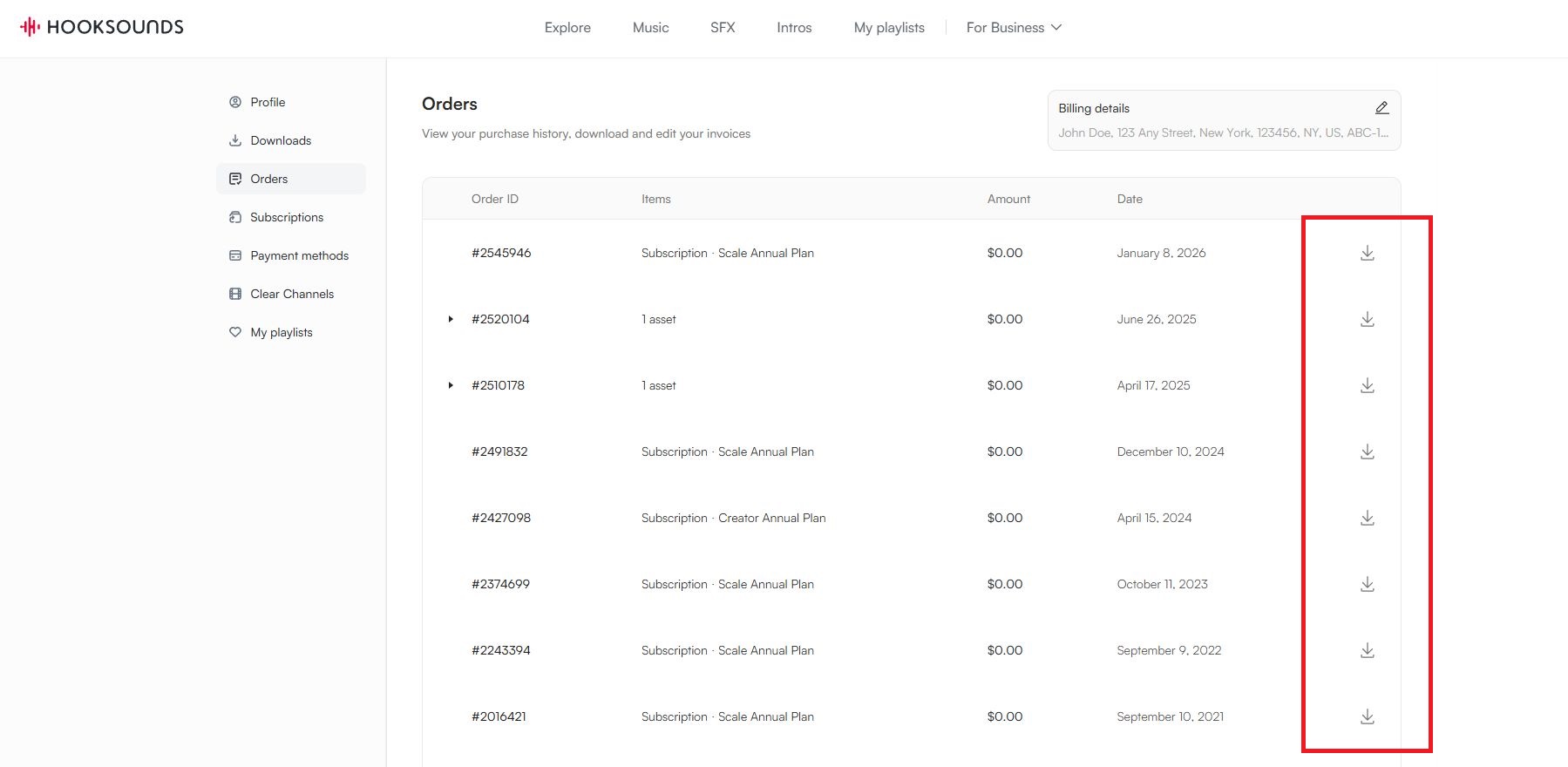
- Download your invoice: Find the purchase you would like to download the new invoice for and click on the download icon. This will download the invoice with your updated company information on it.