A single track license allows you to purchase one of our assets in order to use it in one of your projects. We offer different single licenses, such as the Use & Mention license, Personal license, Business license, and Broadcast license that allows you to use our music for different cases.
In order to purchase a single track license, please follow this procedure:
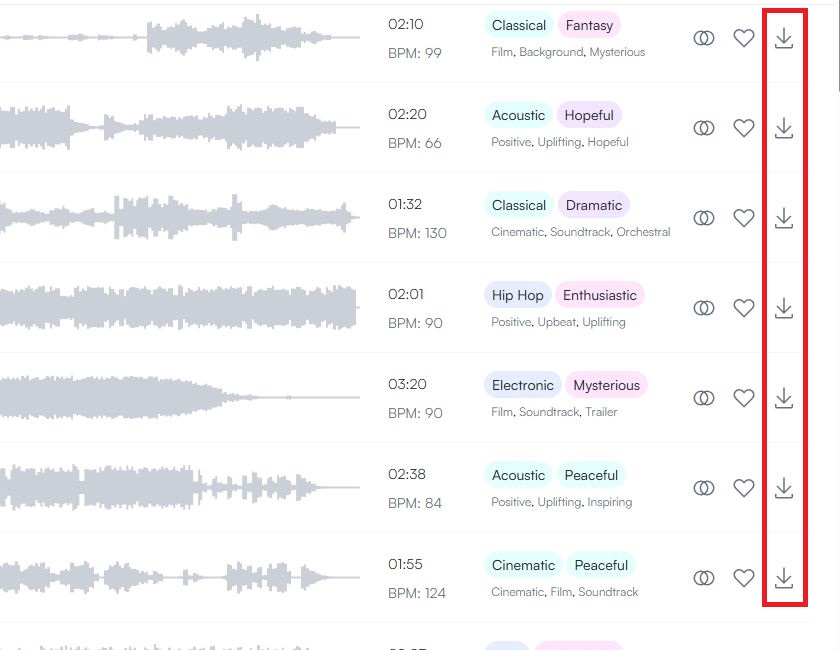
- Select the track you want to purchase a single license for by browsing through our royalty free music and click on the download button on the right side of the waveform:
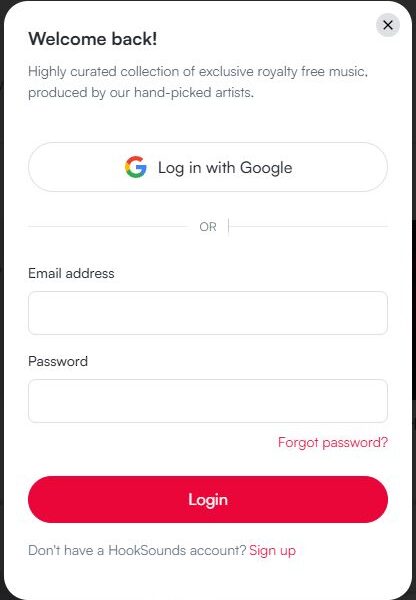
- Log in to your HookSounds account. You will see a pop-up asking you to log in first. If you do not have an account yet, you can create one here.
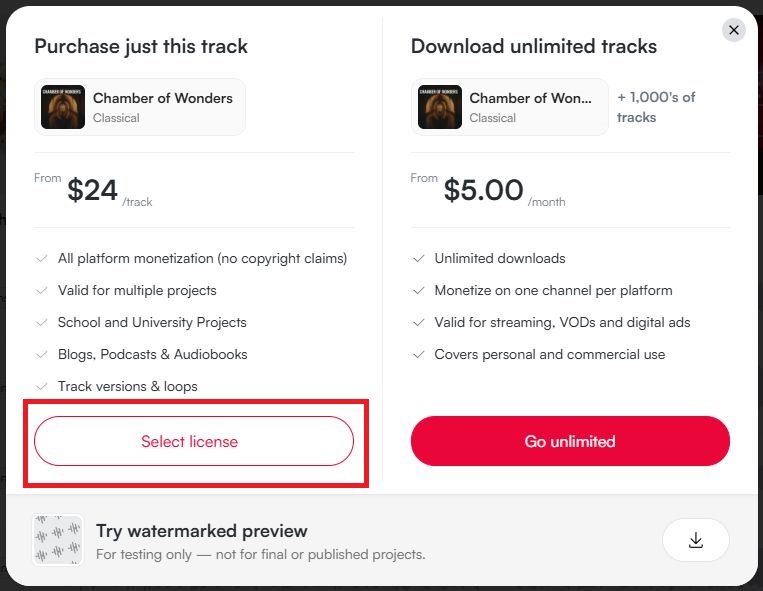
- On the left side of the next pop-up screen, choose the option "Select License".
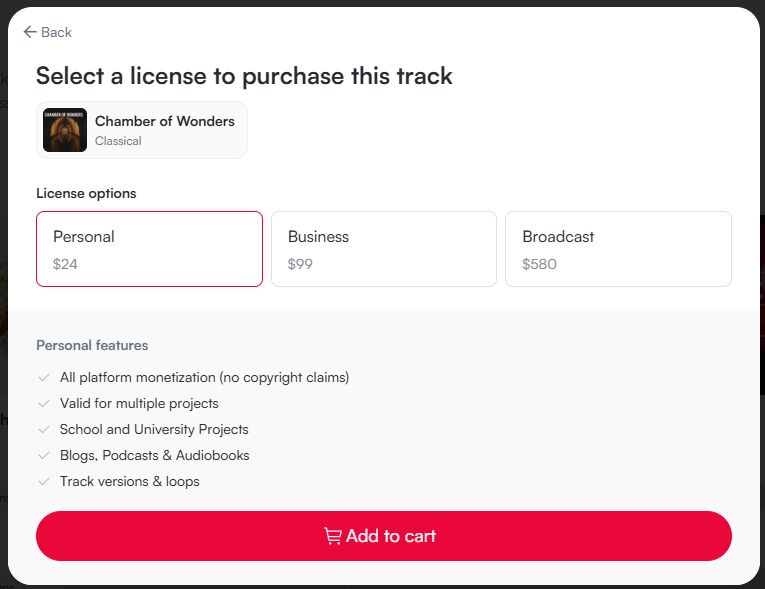
- On the next screen, select the license type you need. You can find more details about what each license covers in the features list for the selected license. Make sure the correct licence is highlighted and then click "Add to cart". Once the license was added, you can reach the checkout by clicking the "Go to Checkout" button or click here. You can also close the pop-up from here and continue adding more licenses for other tracks to your cart, if needed.
- Once you are ready, fill in your Credit Card or PayPal information in the checkout. You can also enter a discount code if you have one.
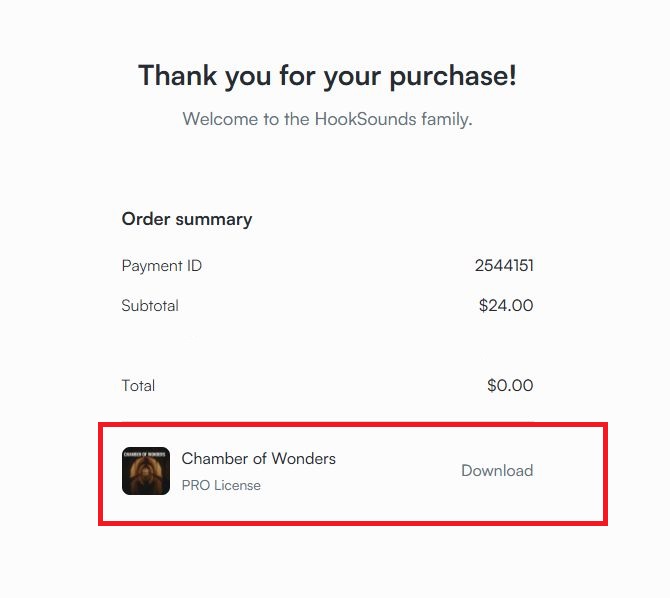
- In the "Thank you Page" you will find links to download your licensed tracks. The tracks and its versions will be provided in a .ZIP format, which you will need to extract first, by right-clicking on it. Inside of the .ZIP file, you will find the main track and its versions. All in .WAV and .MP3 format.